Screenshots
Android Utility
Your screen stays on when you need it to.
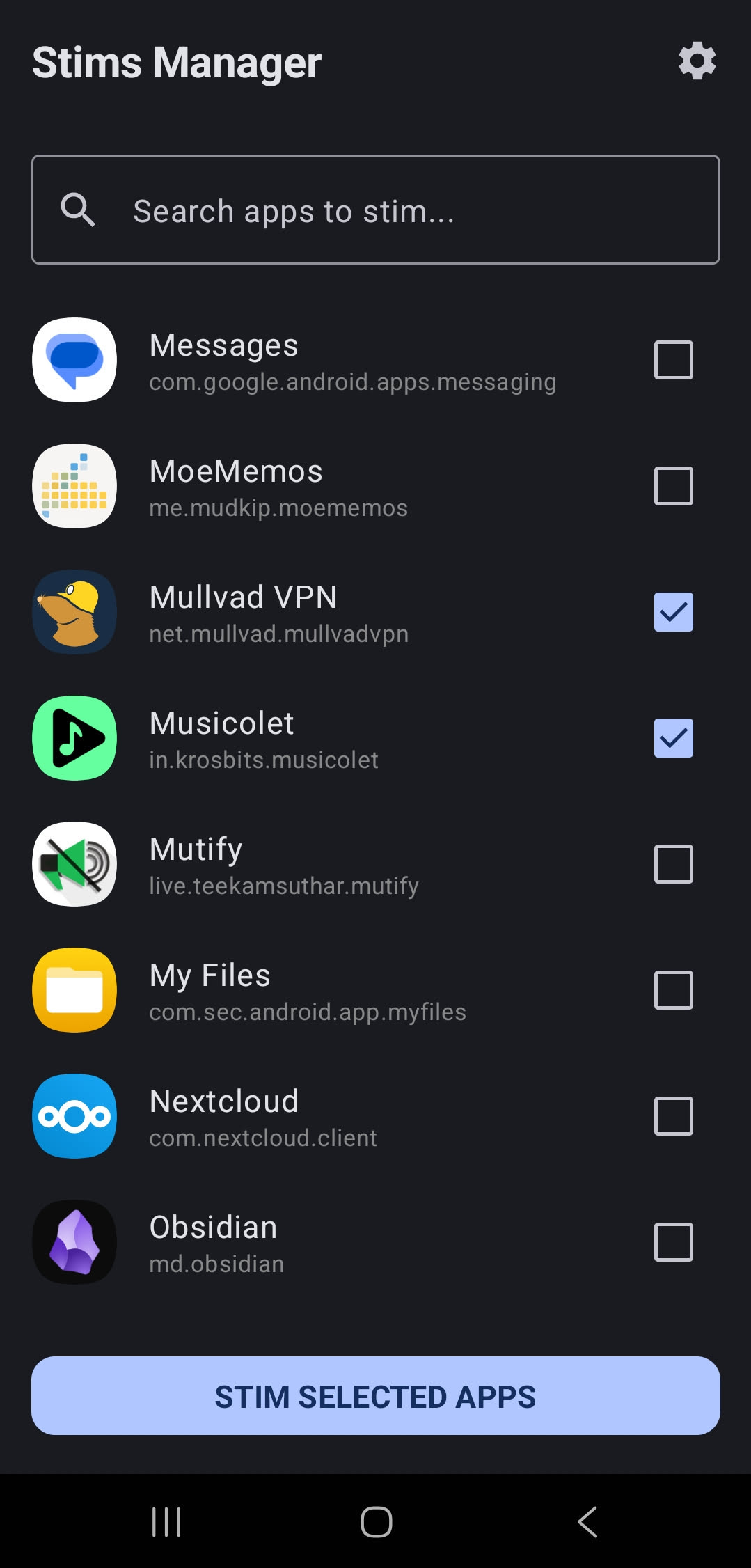
Pick the apps. Forget the rest.
Screenshots
What it does
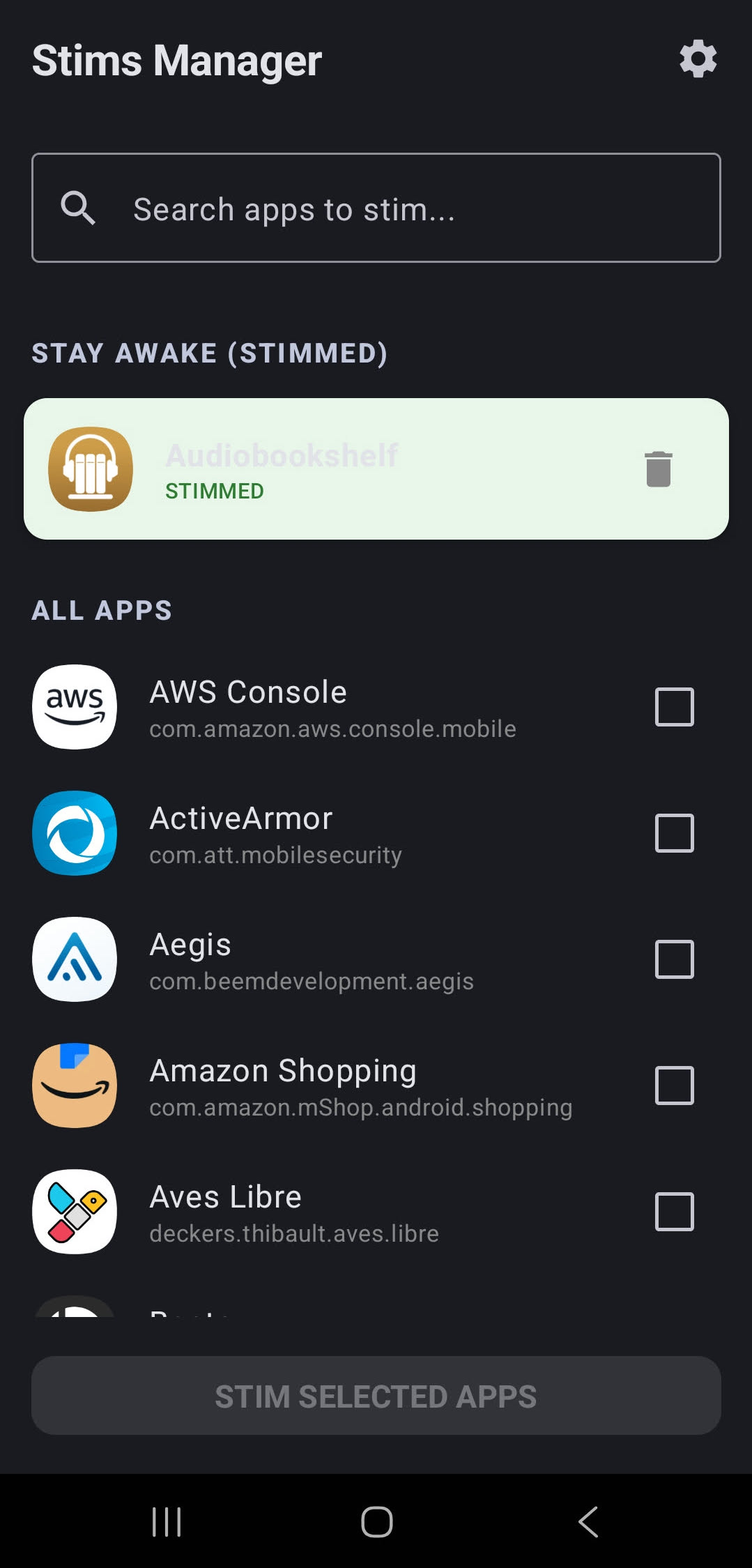
Choose exactly which apps keep the screen awake. Every other app behaves as normal. Your battery, your rules.
A lightweight background service watches the foreground app and manages the wake lock automatically — no interaction needed.
No accounts. No analytics. No network access. No trackers. One purpose, done well.
Setup
Grant Usage Access
On first launch, Stims will open the system permission screen. Navigate to Settings → Apps → Special app access → Usage access, find Stims, and toggle it on.
Pick your apps
Back in Stims, tap any app in the list to mark it. Your selection is saved immediately — no confirm button needed.
Done
Switch to a marked app and the screen stays on at full brightness. Switch away and normal sleep behavior returns. That's the whole thing.
Permissions
Usage Access
Used solely to detect which app is currently in the foreground so the wake lock can be acquired or released accordingly. This data is processed entirely on-device and is never transmitted anywhere. Stims has no internet permission and cannot contact any external server.